Healthcare teams need useful AI without loose data movement. Vault centralizes everyday AI work so policies, meeting notes, internal guidance, and approved knowledge can be used with clearer boundaries.
Give teams a safer default
Route AI work through one managed workspace instead of scattered personal tools and unmanaged browser sessions.
Turn internal knowledge into context
Use policies, operating procedures, meeting notes, and approved materials as shared context for repeatable work.
Support review-heavy work
Keep generated drafts, source context, and team activity easier to inspect when sensitive workflows need oversight.
Common workflows
Work this team can bring into Vault
- Drafting internal policies, SOPs, and patient-facing communications for human review
- Summarizing administrative meetings and turning follow-ups into documents
- Answering staff questions from approved operating guidance
- Organizing secure department knowledge for repeated AI-assisted work
Controls
Security signals buyers expect
- Workspace permissions for teams and departments
- Audit history for chats, documents, and shared knowledge
- Provider access control across supported AI models
- No training on customer data by Vault
Compliance note: Regulated healthcare data should be used only under the right agreements, configured controls, and customer-approved policies.
Can healthcare teams use Vault with regulated data?
Vault is designed for controlled workflows, but regulated healthcare data should be used only under the right customer agreement, configured controls, and internal policy.
How does Vault reduce unmanaged AI usage?
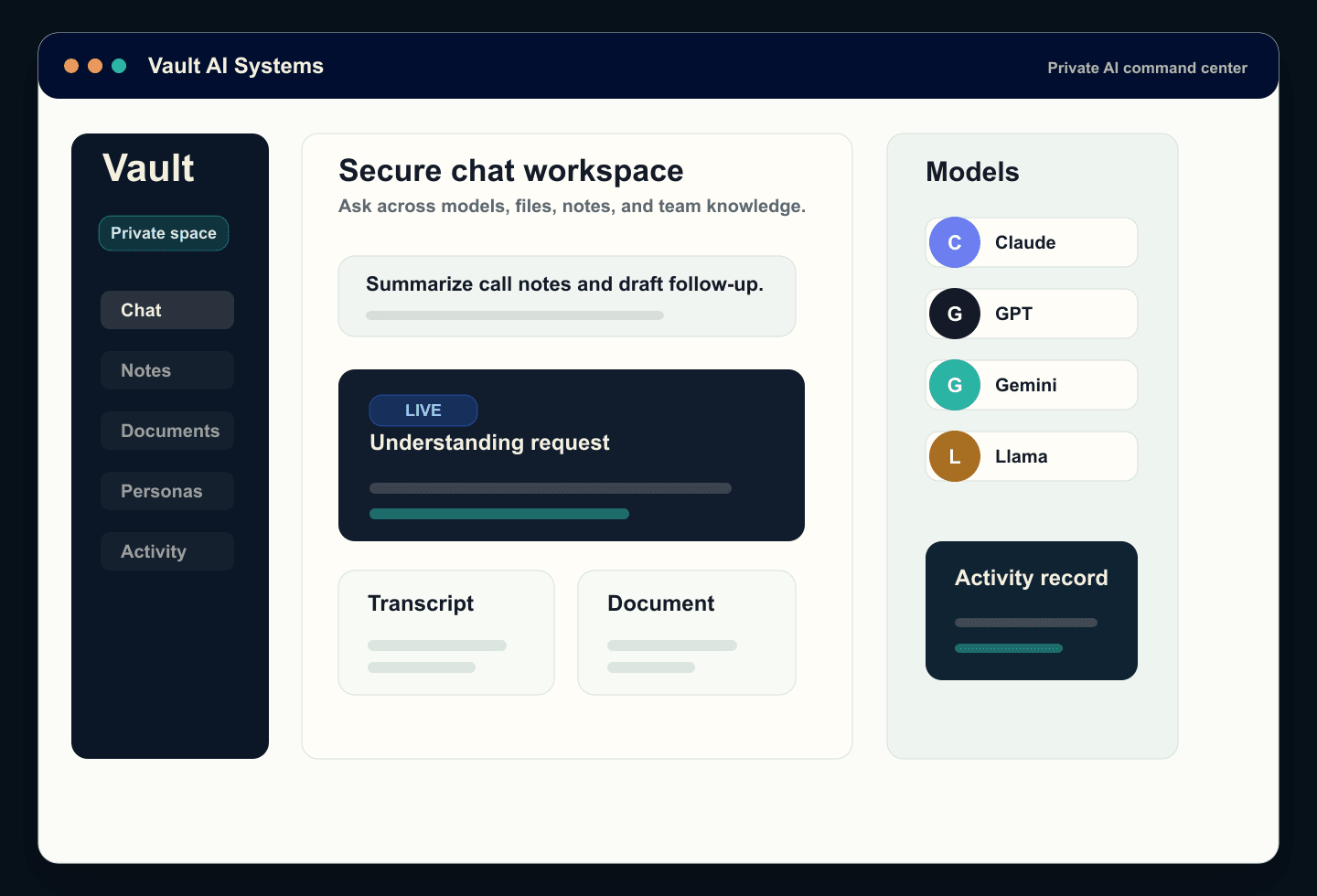
Teams get one approved workspace for model access, shared context, files, notes, and generated documents instead of relying on personal AI accounts.
What review signals matter most for healthcare buyers?
Healthcare reviewers usually look for access control, auditability, data-handling clarity, model-provider handling, and a clear policy for sensitive content.
Financial services teams need speed, consistency, and a visible record of how sensitive work gets done. Vault creates a managed place for AI-assisted workflows across research, operations, and compliance-reviewed tasks.
Consolidate AI access
Reduce tool sprawl by giving teams a single approved workspace for model access and shared outputs.
Protect institutional knowledge
Bring approved policies, research notes, and operating context into secure workspaces with team-level permissions.
Support reviewable outputs
Keep drafts, source context, and collaboration history together for workflows that need internal review.
Common workflows
Work this team can bring into Vault
- Summarizing market research, call notes, and internal analysis
- Drafting client-service responses and operational documentation
- Creating policy, risk, and compliance materials for human review
- Helping teams compare model outputs without moving data across unmanaged tools
Controls
Security signals buyers expect
- Role-based workspace access
- Audit history for shared AI work
- Centralized model availability and usage boundaries
- Private team knowledge that stays inside controlled workspaces
Compliance note: Vault supports controlled workflows, but customer compliance obligations depend on configuration, policies, and the specific data being processed.
Can teams control which models are available?
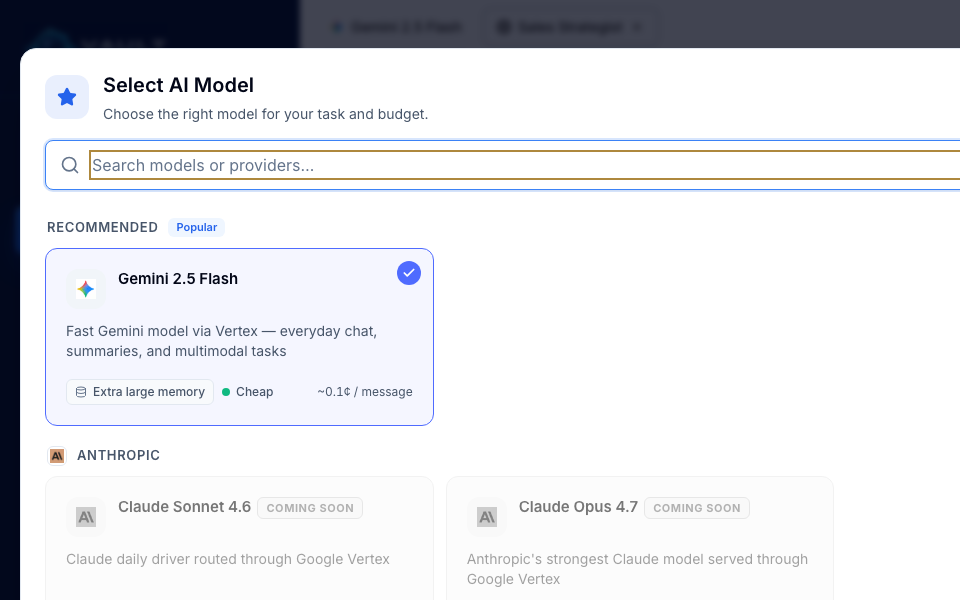
Vault centralizes model access so organizations can make approved models available from one managed workspace instead of scattering usage across unmanaged tools.
How does Vault support review-heavy financial workflows?
Drafts, source context, shared knowledge, and collaboration history remain together, making internally reviewed research, policy, and service work easier to inspect.
Does Vault replace compliance review?
No. Vault supports controlled workflows and reviewable outputs, but customer compliance obligations depend on policies, configuration, agreements, and the data being processed.
Government teams often need AI to fit procurement, records, review, and security expectations. Vault helps bring experimentation and daily work into a governed environment.
Move pilots into a managed workspace
Give teams a structured environment for AI use instead of isolated accounts and informal experiments.
Keep knowledge organized
Store approved guidance, notes, and documents where staff can use them as context for recurring tasks.
Support accountable adoption
Make model access, team permissions, and usage history easier to review as adoption expands.
Common workflows
Work this team can bring into Vault
- Drafting public communications, reports, and internal memos for human approval
- Summarizing meetings, hearings, policies, and operating updates
- Building reusable knowledge workspaces for departments and programs
- Comparing model responses for research and staff productivity tasks
Controls
Security signals buyers expect
- Workspace-level permissions
- Centralized administration and usage visibility
- Shared knowledge boundaries for teams and programs
- Audit history for AI-assisted work products
Compliance note: Public sector deployments should be reviewed against agency procurement, records, accessibility, data handling, and security requirements.
How can public sector teams start responsibly?
Vault helps move pilots into a structured workspace where departments can manage users, knowledge, model access, and review expectations as adoption grows.
What public sector requirements should teams review?
Agencies should review procurement, security, records, accessibility, privacy, data retention, and any deployment-specific contractual requirements.
Can different departments use separate workspaces?
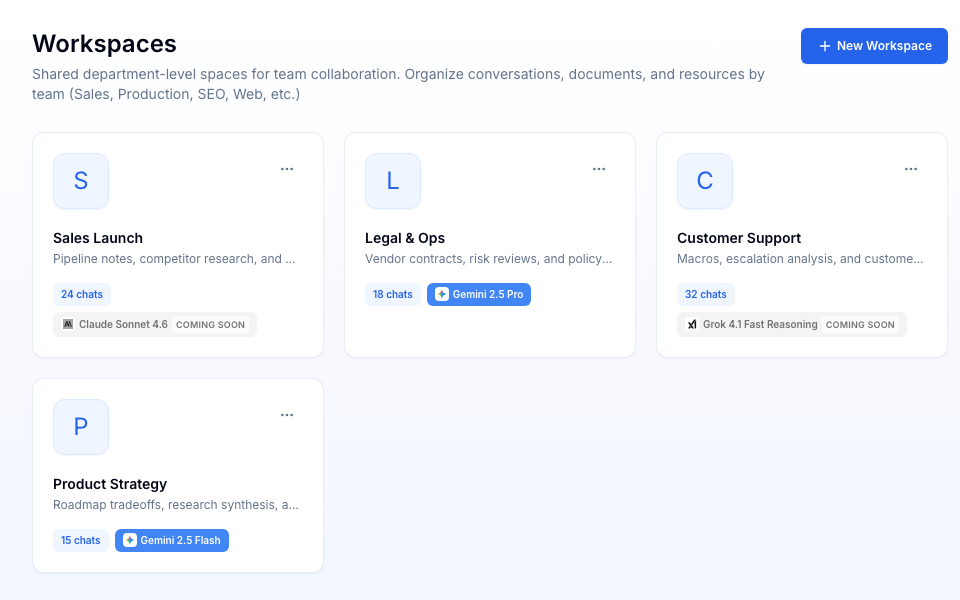
Yes. Vault is organized around shared workspaces so teams and programs can keep knowledge, files, and AI work aligned with their operating boundaries.
Legal and operations teams handle high-context work that benefits from speed but cannot tolerate chaos. Vault keeps AI drafts, source context, meeting notes, and shared knowledge in one governed workspace.
Draft faster with source context
Use approved policies, contracts, notes, and playbooks as context while keeping outputs inside shared workspaces.
Make operational knowledge reusable
Convert recurring procedures, meeting notes, and decision context into team knowledge that improves future work.
Keep review close to the work
Preserve generated drafts, source materials, and collaboration history where reviewers can inspect them.
Common workflows
Work this team can bring into Vault
- Drafting and refining policy, contract, and process language for attorney or operator review
- Summarizing meetings, negotiations, and internal decisions
- Creating searchable knowledge bases from playbooks, procedures, and FAQs
- Preparing internal briefings, reports, and training materials
Controls
Security signals buyers expect
- Team and workspace permissions
- Document and folder context controls
- Audit history for shared chats and documents
- Centralized model access across supported providers
Compliance note: Vault is a workspace for AI-assisted legal and operational work; it does not replace professional review or legal judgment.
What makes Vault useful for legal and operations teams?
Vault keeps high-context work together: policies, contracts, meeting notes, drafts, folders, and shared team knowledge can all support AI-assisted work.
Can Vault help with privileged or sensitive material?
Sensitive legal and operational material should be used only under approved policies and agreements. Vault provides controlled workspaces, but it does not replace legal judgment.
How does Vault improve repeatable operations work?
Teams can turn playbooks, procedures, FAQs, and meeting outcomes into shared context so future drafts and answers start from approved knowledge.
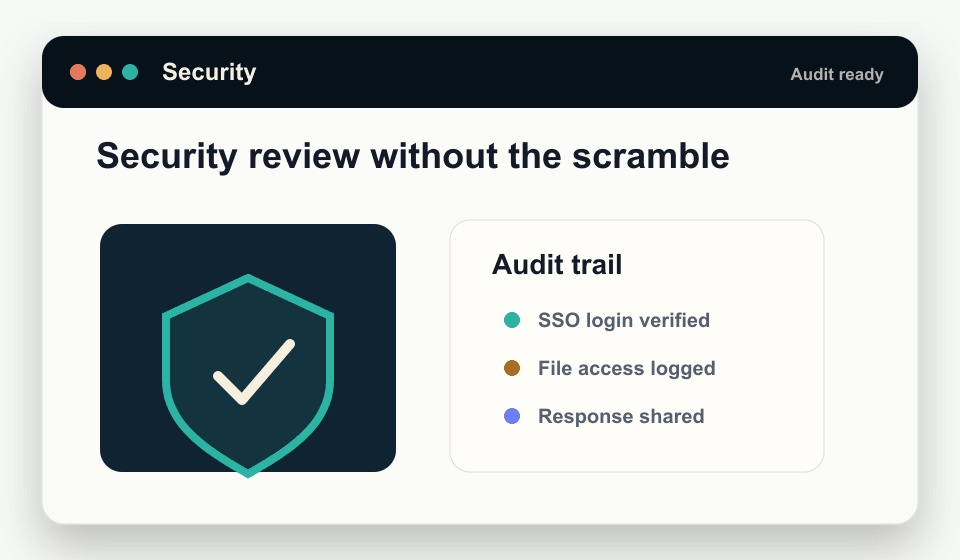
AI adoption stalls when security teams cannot see how tools handle data, access, and accountability. Vault gives teams a managed workspace with a clearer operating model for review.
Reduce shadow AI risk
Give employees an approved place to use leading models instead of relying on unmanaged tools.
Answer vendor review questions
Point reviewers to security details, privacy practices, model access controls, and data handling expectations.
Keep adoption governable
Use permissions, workspace structure, and audit history to make AI usage easier to monitor as it grows.
Common workflows
Work this team can bring into Vault
- Preparing AI vendor review packages and stakeholder briefings
- Documenting model access, customer data handling, and user permissions
- Creating approved AI workspaces for departments with different data needs
- Tracking how shared chats, documents, and knowledge sources are used
Controls
Security signals buyers expect
- No training on customer data by Vault
- Workspace permissions and administrative controls
- Audit history for key AI work artifacts
- Security and legal pages that support procurement review
Compliance note: Security review outcomes depend on each customer's requirements, configuration, and legal agreements. Vault provides materials and controls to support that process.
What does security review usually need to know?
Reviewers usually ask what data is processed, which models are available, who has access, how activity is reviewed, and what contractual commitments apply.
How does Vault reduce shadow AI risk?
Vault gives employees a managed place to use leading AI models so organizations can centralize access, context, and review instead of relying on informal tools.
Where should reviewers start?
Start with the Trust Center, Privacy Policy, Terms of Service, and a security-review request through the contact page for deployment-specific materials.